Best External Hard Drives for Backup (2026): Which One Should You Actually Buy?

Why You Need an External Backup Drive in 2026
Many people still assume:
- “Cloud storage is enough.”
- “My laptop probably won’t fail.”
- “I’ll back up later.”
Unfortunately, storage failures happen more often than people realize.
Drives can fail because of:
- Hardware damage
- Accidental deletion
- Malware or ransomware
- Water spills
- Theft
- System corruption
Think of backup storage like insurance. You hope you never need it — but when disaster happens, it becomes extremely important.
According to Microsoft cybersecurity guidance, maintaining multiple backups is one of the most effective ways to protect important data from ransomware and accidental loss.
Quick Backup Rule Box
The 3-2-1 Backup Rule
Security experts often recommend:
- Keep 3 copies of your data
- Use 2 different storage types
- Keep 1 backup offsite or offline
This dramatically reduces the risk of permanent data loss.
Best External Hard Drives for Backup in 2026
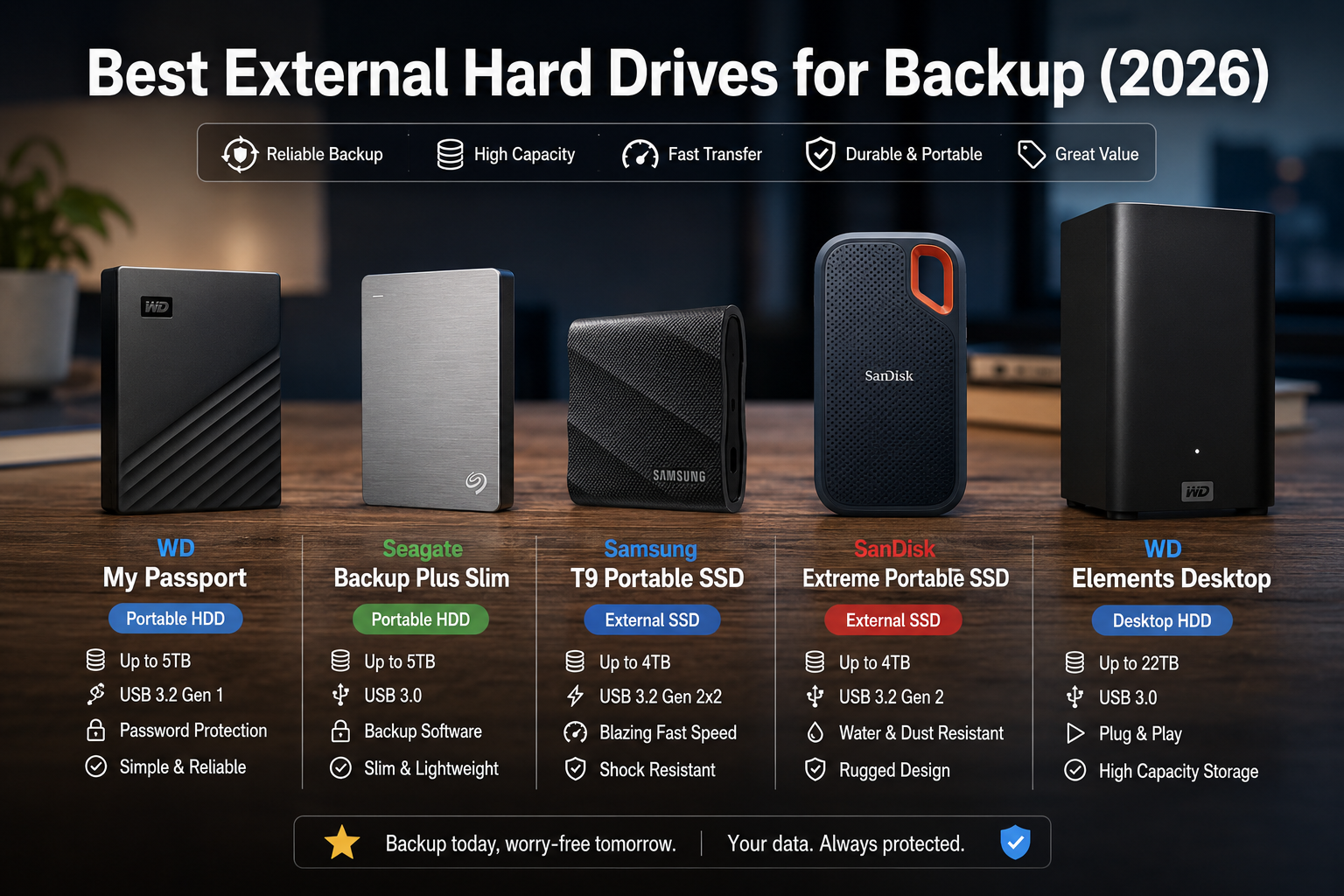
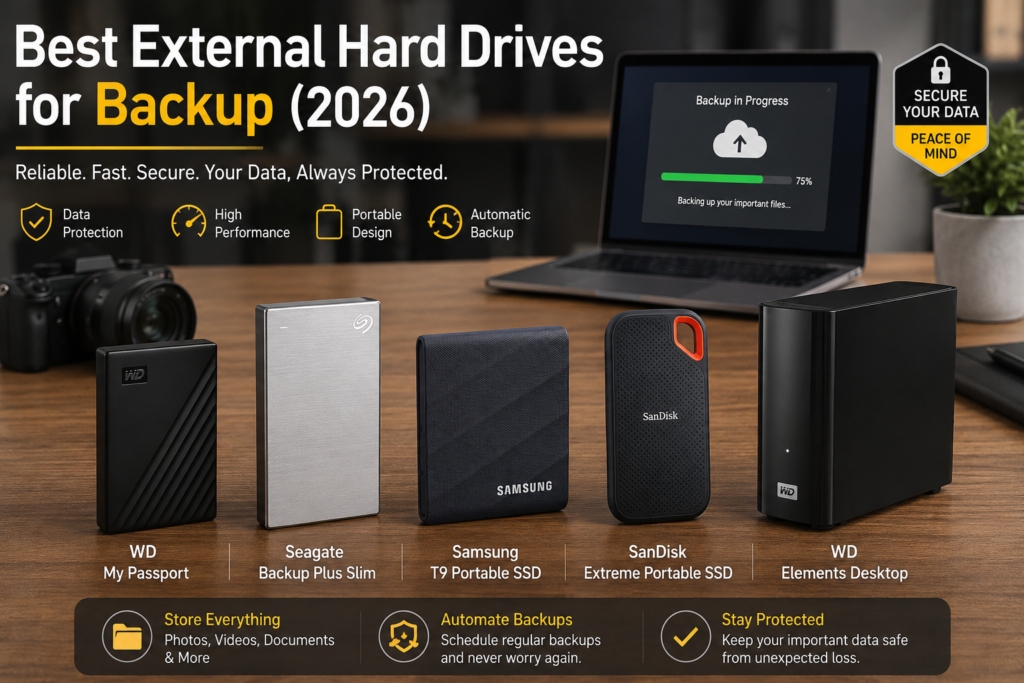
1. WD My Passport — Best Overall External Hard Drive
WD My Passport
The WD My Passport remains one of the safest choices for most people.
Why it stands out:
- Reliable brand reputation
- Compact size
- Hardware encryption support
- Good balance of price and performance
It is ideal for:
- Students
- Office users
- Family photo backups
- Daily file storage
Why Beginners Like It
It works almost immediately after plugging in.
No complicated setup.
Think of it like a simple, reliable storage locker for your digital life.
Pros
- Portable and lightweight
- Reliable backup software
- Affordable pricing
- Password protection support
Cons
- Slower than SSDs
- Plastic casing feels basic
2. Seagate Backup Plus Slim — Best Budget Backup Drive
Seagate Backup Plus Slim
If you want affordable large storage, this is one of the best options.
You can easily store:
- Movies
- Photos
- Work files
- Old laptop backups
- Game files
without spending too much.
Best For
- Budget-conscious users
- Home backups
- Large media collections
Pros
- Good value per TB
- Slim portable design
- Simple setup
Cons
- Not as rugged as premium drives
- Average transfer speeds
3. Samsung T9 Portable SSD — Best Premium Backup Drive
Samsung T9 Portable SSD
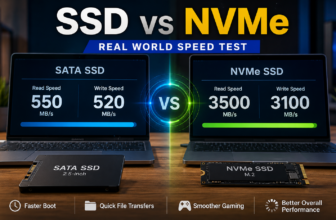
This is one of the fastest external storage devices available for consumers in 2026.
Unlike traditional hard drives, this uses SSD technology.
What Is SSD?
SSD stands for Solid State Drive.
Think of it like:
- SSD = fast modern sports car
- HDD = slower but larger cargo truck
SSDs are:
- Faster
- More shock-resistant
- More durable
- Silent
But they are usually more expensive.
Why the Samsung T9 Is Excellent
- Extremely fast file transfers
- Compact metal design
- Great for creators and professionals
- Excellent reliability
Best For
- Video editing
- Content creators
- IT professionals
- Fast backups
Pros
- Very high speed
- Durable build quality
- Quiet operation
- Excellent portability
Cons
- Higher price
- Lower storage-per-dollar compared to HDDs
4. SanDisk Extreme Portable SSD — Best for Travel
SanDisk Extreme Portable SSD
This drive is popular among travelers and photographers.
Why?
Because it is:
- Lightweight
- Rugged
- Water resistant
- Shock resistant
If you carry your drive daily, durability matters.
Ideal For
- Travel work
- Outdoor photography
- Business trips
- Students
Pros
- Durable design
- Compact size
- Fast transfer speeds
- Water and dust resistance
Cons
- More expensive than HDDs
- Smaller capacities cost more
5. WD Elements Desktop — Best Large-Capacity Backup Drive
WD Elements Desktop
If you need massive storage for:
- Business archives
- NAS backups
- Large video collections
- Long-term storage
this is a strong option.
Unlike portable drives, desktop drives usually:
- Need external power
- Offer larger capacities
- Stay on your desk
Best For
- Home office backups
- IT storage
- Large file archives
- Media servers
Pros
- Huge storage sizes
- Good price per TB
- Reliable for large backups
Cons
- Not portable
- Requires power adapter
HDD vs SSD: Which Backup Drive Is Better?
This is one of the biggest questions people ask.
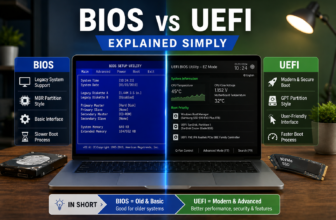
HDD (Hard Disk Drive)
Traditional spinning disk technology.
Advantages
- Cheaper
- Larger storage capacities
- Better value for bulk storage
Disadvantages
- Slower
- More fragile
- Mechanical moving parts
SSD (Solid State Drive)
Modern flash storage technology.
Advantages
- Much faster
- More durable
- Silent operation
- Smaller size
Disadvantages
- Higher price
- Smaller capacities cost more
Which One Should You Buy?
Choose HDD If:
- You need huge storage cheaply
- You mainly archive files
- Speed is less important
Choose SSD If:
- You move files often
- You travel frequently
- You edit videos/photos
- You want faster backups
For many users:
- HDD = backup storage
- SSD = active working storage
Common Backup Mistakes People Make
Only Having One Copy
If your only backup drive fails, you lose everything.
Always keep at least two copies of important data.
Never Testing the Backup
Some people back up files once and never check again.
A backup is useless if:
- Files are corrupted
- The drive fails
- The backup software breaks
Leaving the Drive Connected All the Time
Ransomware can sometimes encrypt connected backup drives too.
For critical backups:
- Disconnect after backup
- Store safely offline
Buying Extremely Cheap Unknown Brands
Storage reliability matters.
Saving a little money is not worth losing important files later.
Stick to trusted manufacturers.
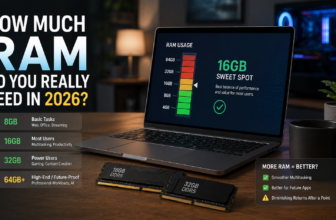
How Much Storage Do You Actually Need?
1TB
Good for:
- Documents
- Office files
- Basic family photos
2TB–4TB
Best for most users.
Good for:
- Photos
- Videos
- Gaming
- Multiple device backups
8TB+
Best for:
- Content creators
- Businesses
- NAS backups
- Large archives
Are Cloud Backups Enough?
Cloud storage is useful, but it should not be your only backup.
Why?
Because:
- Accounts can get hacked
- Sync errors happen
- Internet outages happen
- Subscription costs add up
The safest setup combines:
- Cloud backup
- External backup drive
- Offline copy
FAQ
What is the best external hard drive for backup in 2026?
The WD My Passport is one of the best overall choices for reliability, portability, and value.
Are SSD backup drives worth it?
Yes, especially if you want faster speeds, better durability, and portability.
How long do external hard drives last?
Most external drives last around 3–5 years, though some last longer depending on usage and storage conditions.
Is cloud backup safer than external drives?
Cloud backup helps, but external drives provide additional protection and offline recovery options.
Should I unplug my backup drive after use?
Yes, especially for important backups. This helps protect against ransomware and accidental deletion.
How often should I back up my files?
For important data, weekly or automatic daily backups are recommended.
Final Thoughts
The best external hard drives for backup are not necessarily the most expensive ones.
The most important thing is having:
- Reliable storage
- Multiple backups
- A consistent backup habit
Even a basic backup drive is far better than having no backup at all.
If you want the safest overall option:
- WD My Passport is excellent for most people.
If you prioritize speed:
- Samsung T9 Portable SSD is one of the best premium choices.
And if you need massive storage:
- WD Elements Desktop offers excellent long-term value.
Your future self will thank you for backing up your files before disaster happens.